
How IAM Works in Cloud Security for Enterprises 2026
Learn how IAM works in cloud security for enterprises in 2026. Secure users, apps, and data with scalable IAM frameworks built for modern clouds. Get started.
TECHNOLOGY
The TAS Vibe
1/8/202625 min read
My post content
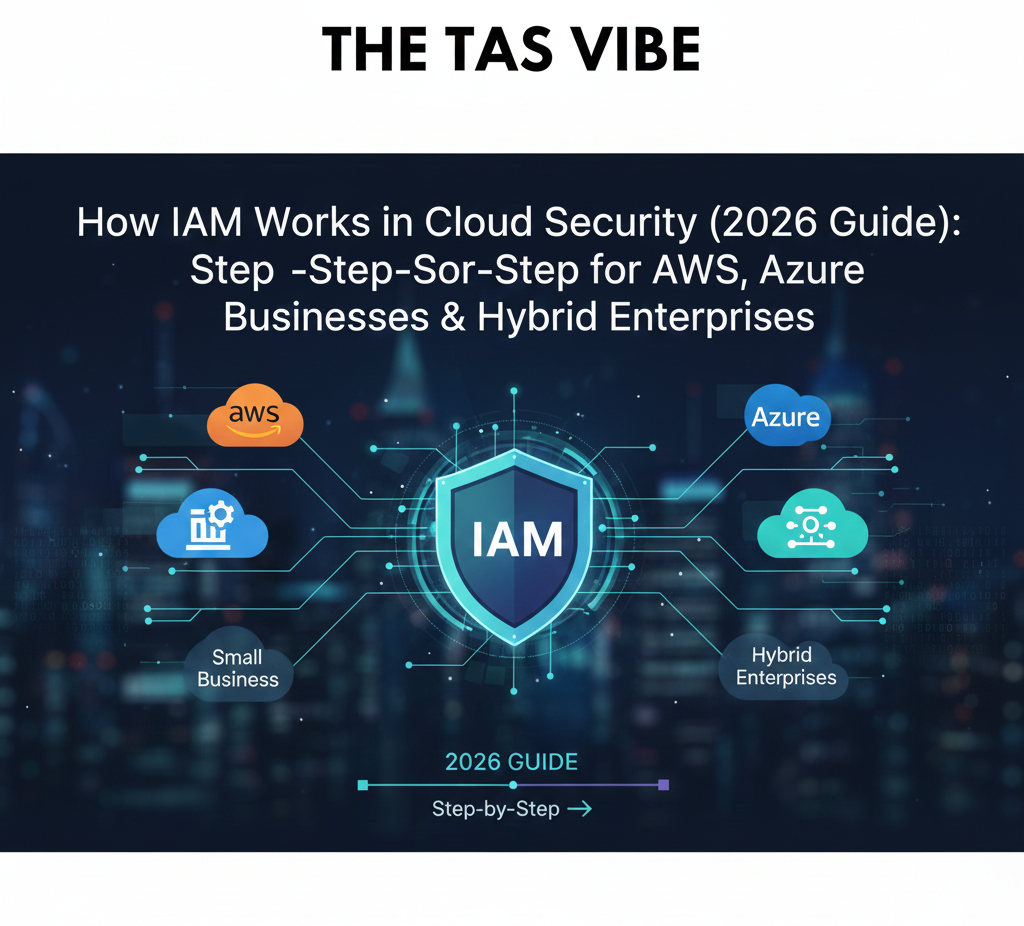
How IAM Works in Cloud Security (2026 Guide): Step‑by‑Step for AWS, Azure, Small Businesses & Hybrid Enterprises
1. Introduction: Why IAM Is the Core of Cloud Security
In today’s cloud-driven world, Identity and Access Management (IAM) is the foundation of modern cybersecurity. At its core, IAM is the system that determines who can access what resources, at what time, and under which conditions. In cloud environments, where users, applications, and data are constantly moving, IAM becomes the primary control that protects business-critical assets from unauthorized access.
Unlike traditional network security models that relied on firewalls and physical boundaries, cloud security operates in a borderless environment. Employees work remotely, applications run across multiple cloud platforms, and data flows between SaaS tools, public clouds, and on-premises systems. In this reality, identity—not the network—has become the most reliable security anchor.
This guide focuses on how IAM works in cloud security for enterprises and small businesses, with a strong emphasis on real-world implementation, not just theory. Whether you manage a small organization using a few cloud applications or a large enterprise operating across AWS, Azure, SaaS platforms, and legacy systems, understanding IAM is essential to securing your cloud infrastructure.
IAM as the “New Perimeter” of the Cloud
In modern cloud architectures, the traditional perimeter no longer exists. Applications are no longer confined to a single data center, and users no longer access systems from fixed corporate networks. As a result, IAM has become the new security perimeter.
Every access request—whether from an employee, contractor, customer, API, or automated workload—must be authenticated and authorized through IAM controls. This is especially critical in multi-cloud and hybrid environments, where resources are distributed across AWS, Microsoft Azure, Google Cloud, SaaS applications, and on-premises infrastructure.
Understanding how identity and access management works in cloud environments helps organizations:
Prevent unauthorized access
Reduce the risk of data breaches
Enforce consistent security policies across platforms
Maintain visibility and control over user and system access
IAM ensures that access decisions are based on identity, context, and risk, rather than location.
Beyond Login: What Modern IAM Really Does
Modern IAM is not just about usernames and passwords. It is a dynamic security system that continuously evaluates trust before granting access. Key components include:
Multi-Factor Authentication (MFA): Adds an extra layer of verification beyond passwords to protect against credential theft and phishing attacks.
Least-Privilege Access: Ensures users and systems have only the permissions they need—nothing more.
Context-Aware Policies: Access decisions can change based on device health, location, time, and user behavior.
Continuous Monitoring: IAM systems track access patterns and detect anomalies in real time.
These capabilities are essential for both enterprises and small businesses operating in cloud environments.
IAM and Compliance in the Cloud Era
Regulatory compliance is another major driver of IAM adoption. Regulations such as GDPR, HIPAA, SOX, DORA, and NIS2 require strict control over who can access sensitive data and how that access is monitored and audited.
A well-implemented IAM strategy supports compliance by:
Enforcing access controls automatically
Maintaining detailed audit logs
Supporting periodic access reviews
Reducing human error and manual processes
For many organizations, IAM is no longer just a security requirement—it is a compliance necessity.
Why This Guide Matters
As cloud adoption accelerates, understanding how IAM works in cloud security for enterprises is no longer optional. Identity is the first line of defense, the foundation of zero-trust security, and the key to secure digital transformation.
In the sections that follow, this guide will break down IAM concepts, architectures, tools, and best practices—helping you design an identity strategy that protects your users, data, and applications while enabling business growth.
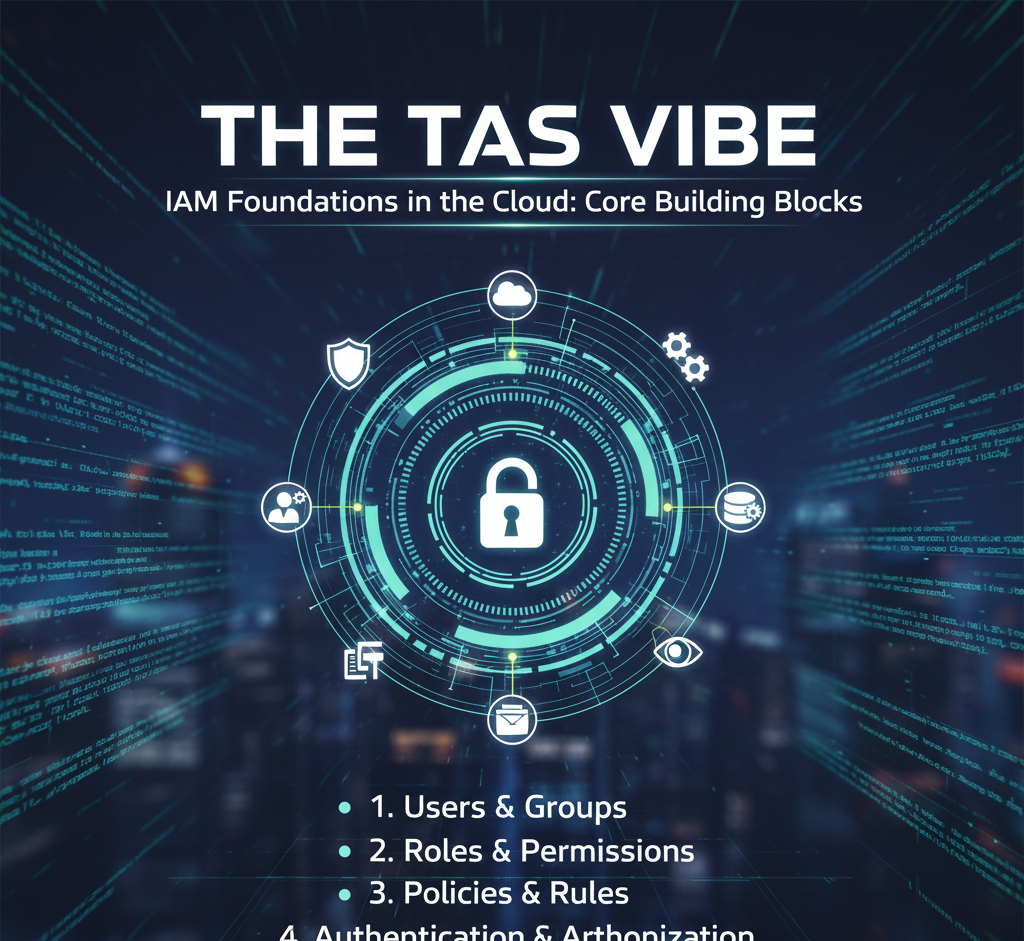
2. IAM Foundations in the Cloud: Core Building Blocks
As organizations move applications, data, and workloads to the cloud, traditional security models based on network boundaries no longer work. In cloud environments, Identity and Access Management (IAM) becomes the primary control mechanism that determines who can access what, from where, and under which conditions.
To understand cloud security, it is essential to first understand how identity and access management works in cloud environments and how it differs from legacy, on-premises IAM systems.
2.1 What IAM Is in a Cloud Context
In a cloud context, IAM is the framework that defines identities, verifies those identities, and controls their access to cloud resources. Rather than relying on internal networks and VPNs, cloud IAM uses dynamic, policy-driven controls enforced through APIs.
At its core, cloud IAM is built on three fundamental pillars: identities, authentication, and authorization.
Identities: Who or What Is Requesting Access
In cloud environments, identities are not limited to human users. They include:
Human users – employees, contractors, partners
Groups – collections of users managed together
Service accounts – non-human identities used by applications and services
APIs and workloads – microservices communicating with each other
Devices – laptops, mobile devices, IoT endpoints
Cloud platforms treat all these entities as identities that must be managed securely. This is a major shift from traditional IAM, where identities were mostly limited to employees inside a corporate directory.
Authentication: Proving Identity
Authentication is the process of verifying that an identity is who or what it claims to be. In cloud IAM, authentication methods are more flexible and secure than legacy username-and-password models.
Common cloud authentication mechanisms include:
Multi-factor authentication (MFA)
Certificate-based authentication
Token-based authentication
Passwordless methods such as biometrics or hardware keys
Because cloud resources are accessible from anywhere, authentication decisions are often context-aware, factoring in location, device health, and behavior.
Authorization: Controlling Access
Authorization determines what an authenticated identity is allowed to do. In cloud environments, authorization is enforced through centrally managed policies that apply consistently across services.
Unlike traditional on-premises IAM—where access was often implicitly granted once inside the network—cloud IAM requires explicit permission for every action. This approach dramatically reduces the attack surface.
Cloud-Native IAM vs Traditional On-Prem IAM
Traditional IAM relied on:
A central directory (such as Active Directory)
Network trust and VPN access
Static permissions
Cloud IAM, by contrast, is:
API-driven and dynamic
Enforced at the service and resource level
Designed for automation and scale
This shift is why understanding how identity and access management works in cloud environments is critical for modern security strategies.
2.2 IAM Roles, Policies, and Permissions
Once identities are defined, cloud IAM controls access through roles, policies, and permissions. These building blocks work together to enforce security at scale.
Permissions: The Smallest Unit of Access
Permissions represent the specific actions an identity is allowed to perform, such as:
Reading data from a storage bucket
Starting or stopping a virtual machine
Accessing a database
On their own, permissions are too granular to manage efficiently at scale.
Roles: Collections of Permissions
Roles group multiple permissions into a single logical unit. Instead of assigning dozens of permissions to each user or service, administrators assign roles that reflect job functions or workloads.
Examples include:
Read-only analyst
Application service role
Database administrator
Roles make IAM easier to manage, audit, and scale—especially in complex cloud environments.
Policies: The Rules That Enforce Access
Policies define who can assume which roles, under what conditions, and on which resources. Policies are written as machine-readable rules that cloud platforms evaluate in real time.
Policies can consider:
Identity type
Resource being accessed
Action requested
Context (location, device, time, risk level)
This policy-driven approach is the foundation of modern cloud security.
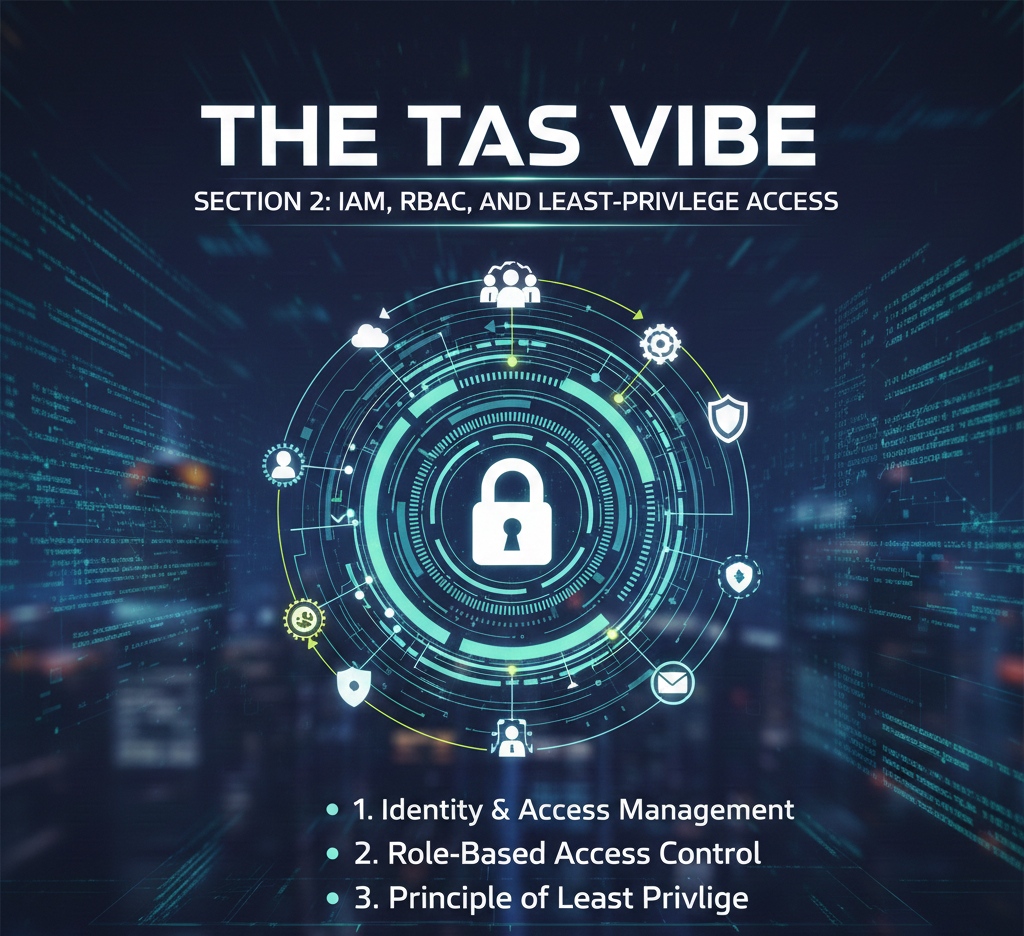
IAM, RBAC, and Least-Privilege Access
Most cloud platforms use Role-Based Access Control (RBAC) as the primary access model. RBAC assigns roles to identities, ensuring consistent and manageable permissions.
Some advanced environments also use Attribute-Based Access Control (ABAC), which evaluates attributes such as department, environment, or workload sensitivity for even finer control.
Both models support the most important IAM principle: least-privilege access.
Least privilege means that users, services, and applications receive only the minimum permissions required to perform their tasks—nothing more. This reduces the impact of compromised accounts and limits lateral movement during attacks.
Understanding how IAM works in cloud security with least-privilege access is essential for preventing data breaches, meeting compliance requirements, and maintaining operational stability.
Why These IAM Foundations Matter
When IAM foundations are designed correctly:
Cloud environments remain secure even without network trust
Automation and DevOps workflows scale safely
Compliance audits become easier and faster
Security policies adapt dynamically to risk
IAM is no longer just a technical control—it is the core security layer of the cloud.
By mastering identities, authentication, authorization, and least-privilege access, organizations build a strong foundation for zero-trust security, cloud governance, and long-term digital growth.
3. How Cloud IAM Works for AWS and Azure Security
Cloud Identity and Access Management (IAM) is the foundation of security in modern cloud environments. Unlike traditional data centers—where security is enforced primarily at the network level—cloud platforms rely on identity-based controls to decide who can access what, from where, and under which conditions.
To understand how cloud security really works, it is essential to understand how IAM operates in the two largest enterprise cloud platforms: Amazon Web Services (AWS) and Microsoft Azure.
3.1 How IAM Works in AWS Cloud Security
AWS IAM is designed around the principle that every action in AWS is an API call. Whether a user opens an S3 bucket, launches an EC2 instance, or invokes a Lambda function, AWS evaluates that request against IAM policies before allowing or denying it.
Core Building Blocks of AWS IAM
AWS IAM uses four main components:
Users – Individual identities for people or services
Groups – Collections of users with shared permissions
Roles – Temporary identities assumed by users, applications, or services
Policies – JSON documents that define allowed or denied actions
Permissions in AWS are never implicit. Everything is controlled through explicit policy evaluation.
High-Level Access Flow in AWS IAM
The access decision process in AWS typically follows this flow:
User or service authenticates
This may be a human user logging in via the AWS Console, or an application assuming a role.Temporary credentials or role are issued
Instead of long-lived access keys, AWS recommends short-lived credentials generated by roles.Policies are evaluated
AWS evaluates all applicable IAM policies attached to the user, group, role, and resource.AWS allows or denies each API call
If the action is explicitly allowed and not explicitly denied, access is granted. Otherwise, it is denied by default.
This evaluation happens every single time an API request is made.
Common Enterprise IAM Patterns in AWS
Modern enterprises rarely use static IAM users with permanent access keys. Instead, they follow best practices such as:
Using IAM roles for applications
Applications running on EC2, Lambda, or containers assume roles dynamically instead of storing secrets.Federating identity from corporate directories
Employees authenticate via an external identity provider (such as Entra ID or Okta), then assume AWS roles using federation.Least-privilege policies
Policies grant only the specific actions required, reducing blast radius in case of compromise.
This design explains how cloud IAM works for AWS and Azure security at a conceptual level: identity is verified first, permissions are evaluated second, and access is enforced continuously.
3.2 How IAM Works in Azure Cloud Security
Azure IAM is built on Microsoft Entra ID (formerly Azure Active Directory) combined with Azure Role-Based Access Control (RBAC). While the goal is the same as AWS—controlling access to cloud resources—the model is more hierarchical and directory-centric.
Identity and Access Layers in Azure
Azure separates identity from authorization:
Microsoft Entra ID manages identities (users, groups, service principals, managed identities)
Azure RBAC defines what those identities can do within Azure resources
This separation makes Azure IAM feel familiar to organizations with a traditional Active Directory background.
Azure RBAC Scopes Explained
Permissions in Azure are assigned at different scopes, creating a hierarchy:
Management Group – Top-level governance across subscriptions
Subscription – Billing and resource ownership boundary
Resource Group – Logical grouping of resources
Resource – Individual services such as VMs, storage accounts, or databases
A role assigned at a higher scope automatically applies to lower scopes unless restricted.
Access Decision Flow in Azure IAM
The access process in Azure typically follows these steps:
User authenticates to Entra ID
Authentication may include password, MFA, device compliance, or risk-based checks.Conditional Access policies are evaluated
Azure evaluates conditions such as location, device state, and user risk.RBAC role assignments are checked
Azure determines whether the identity has the required role at the relevant scope.Access is allowed or denied
Only if both Conditional Access and RBAC requirements are satisfied.
This layered approach explains how IAM works in cloud security for enterprises, especially those operating in hybrid environments.
Hybrid Identity in Azure Enterprises
Most large organizations synchronize on-premises Active Directory with Entra ID using directory sync tools. This allows:
One identity for on-prem and cloud workloads
Centralized authentication and policy enforcement
Consistent access experience for users
As a result, Azure IAM often becomes the single identity plane across the entire organization.
3.3 AWS IAM vs Azure IAM: Conceptual Comparison
At a conceptual level, AWS IAM and Azure IAM solve the same problem: controlling access to cloud resources at the API level. However, they take different approaches.
Policy Model vs Hierarchical RBAC
AWS IAM uses a flat, policy-driven model where permissions are defined in JSON and attached directly to identities or resources. This offers extreme granularity but requires careful design.
Azure IAM uses hierarchical RBAC, where roles are assigned at structured scopes, making governance and visibility easier at scale.
Different Models, Same Goal
Despite their differences, both platforms:
Authenticate identities
Evaluate permissions continuously
Enforce least-privilege access
Log and audit every access decision
Choosing the Right Model
A practical way to think about the difference:
If your organization is Microsoft-heavy, Microsoft Entra ID and Azure RBAC will feel intuitive and integrate naturally.
If you are AWS-first, AWS IAM provides unmatched control and fine-grained permission modeling.
Both approaches are valid. The right choice depends on your ecosystem, skills, and governance requirements—not on which platform is “better.”
Final Insight
Understanding how cloud IAM works for AWS and Azure security is essential for designing secure cloud architectures. While the configuration models differ, the principle is universal: identity is the new security perimeter.
Organizations that master IAM in AWS and Azure gain stronger security, better compliance, and more predictable cloud operations—without relying on outdated network-based controls.
4. Step-by-Step: How IAM Works in Cloud Security (Request Flow)
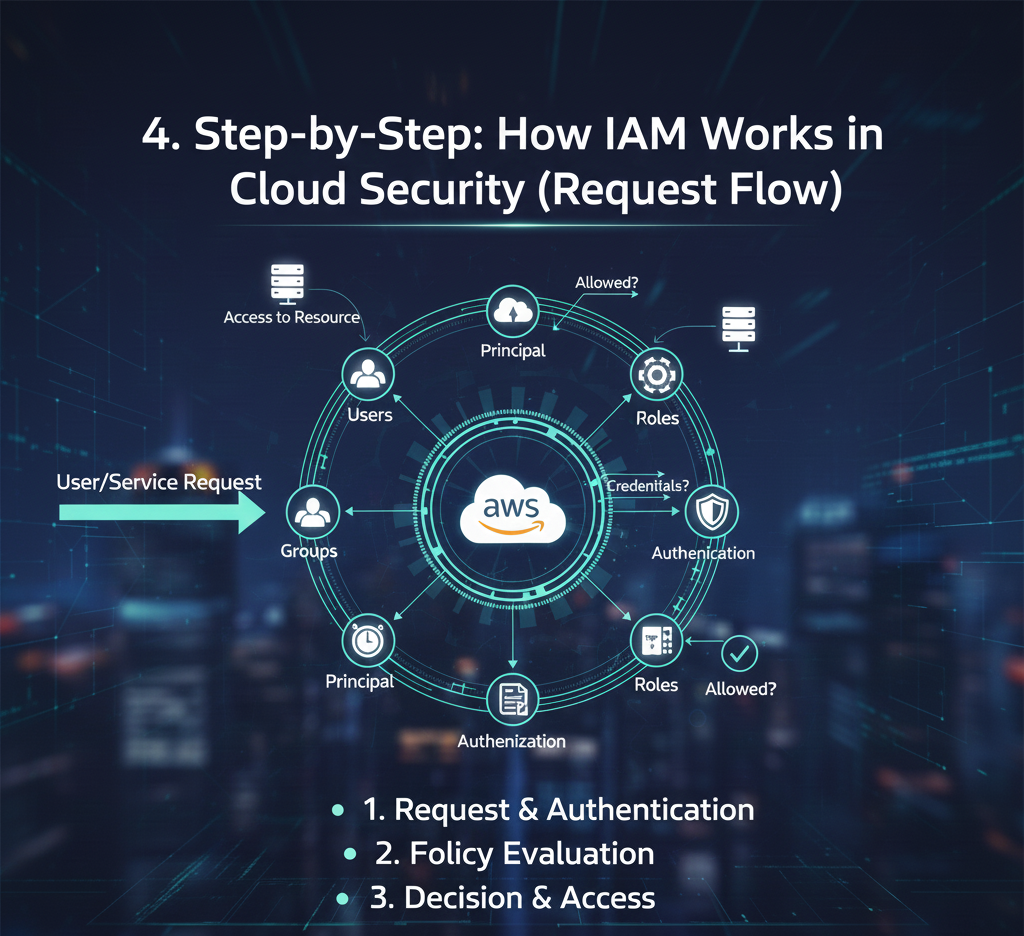
Understanding how Identity and Access Management (IAM) works in cloud security is essential for protecting users, applications, and sensitive data. In modern cloud environments, IAM acts as the central decision engine that controls who can access what, when, and under which conditions.
This section explains how IAM works in cloud security step by step, covering identity lifecycle management, authentication with multi-factor authentication (MFA), and authorization decisions that prevent breaches.
4.1 Identity Creation and Lifecycle Management (Joiner–Mover–Leaver)
The foundation of cloud security starts long before a user logs in. IAM manages the entire identity lifecycle, often described as the Joiner–Mover–Leaver (JML) process.
Step 1: Identity Creation (Joiner)
When a new employee joins the organization, their information is typically added to an HR system. The IAM platform integrates with HR and automatically creates a digital identity for the employee.
At this stage:
A unique user account is created
Default security settings are applied
A base role is assigned according to company policy
This automation eliminates manual account creation errors and ensures every user starts with controlled access.
Step 2: Role Assignment and Least-Privilege Access
Once the identity exists, IAM assigns roles based on job function, department, or location. For example, a finance employee receives access to accounting systems, while a developer gets access to code repositories.
IAM follows the principle of least privilege, meaning users receive only the access they need—nothing more. This significantly reduces the attack surface if credentials are compromised.
Step 3: Role Changes (Mover)
Employees frequently change roles or departments. Without IAM, outdated permissions often remain active, creating security gaps.
When a role change occurs:
IAM automatically revokes unnecessary permissions
New role-based access is granted
Changes propagate across all connected cloud services
This ensures access always matches current responsibilities.
Step 4: Termination and Access Revocation (Leaver)
When an employee leaves the organization, IAM immediately:
Disables the account
Revokes authentication tokens
Removes access from all integrated cloud applications
This step is critical for preventing insider threats and unauthorized access after termination.
This lifecycle process clearly demonstrates how IAM works in cloud security step by step to maintain continuous control.
4.2 The Login Flow: Authentication with Multi-Factor Authentication
Authentication verifies who the user is before granting access. Modern IAM platforms go far beyond simple passwords.
Step 1: User Login Request
The user attempts to log in using:
Username and password
Single Sign-On (SSO) through platforms like Okta or Microsoft Entra ID
Passwordless methods such as biometrics or security keys
Step 2: Context and Risk Evaluation
Before approving access, IAM evaluates context signals such as:
Device health and compliance
Geographic location
IP reputation
Time of access
This risk-based analysis determines whether the login attempt appears normal or suspicious.
Step 3: Multi-Factor Authentication (MFA)
If risk is elevated, IAM triggers multi-factor authentication, such as:
Push notifications to a trusted device
One-time passwords (OTP)
Hardware security keys
Biometric verification
This step explains how IAM works in cloud security with multi-factor authentication to stop credential-based attacks.
Step 4: Token Issuance
After successful authentication, IAM issues secure tokens such as:
SAML assertions
OAuth/OIDC tokens
JSON Web Tokens (JWT)
These tokens allow users to access specific cloud services without repeatedly entering credentials.
4.3 The Authorization Flow: Evaluating Permissions in Real Time
Authentication proves identity, but authorization controls actions.
Step 1: Token and Identity Evaluation
When a user attempts an action, the cloud service receives:
The authentication token
User attributes (roles, groups, claims)
Step 2: Policy and Role Comparison
The cloud IAM engine evaluates the request against defined policies. For example:
Can the user read data from a specific cloud storage bucket?
Is access allowed from the current device and location?
Step 3: Allow or Deny Decision
If policies permit the action under current conditions, access is granted. If not, the request is denied instantly.
This real-time decision-making shows how IAM works in cloud security to prevent breaches by blocking unauthorized actions.
Step 4: Logging and Monitoring
Every authorization decision is logged. These logs are used for:
Security audits
Compliance reporting
Anomaly detection and threat investigation
Continuous logging enables organizations to identify suspicious behavior before it escalates into a breach.
Final Insight: Why IAM Is the Core of Cloud Security
IAM is not just a login system—it is a continuous security control layer that governs identity, authentication, and authorization across the cloud.
By managing identity lifecycles, enforcing MFA, evaluating permissions in real time, and maintaining detailed audit logs, IAM ensures that only the right users access the right resources under the right conditions.
This step-by-step process is the reason IAM remains one of the most effective defenses against modern cloud security threats.
5. How IAM Works in Cloud Security to Prevent Breaches
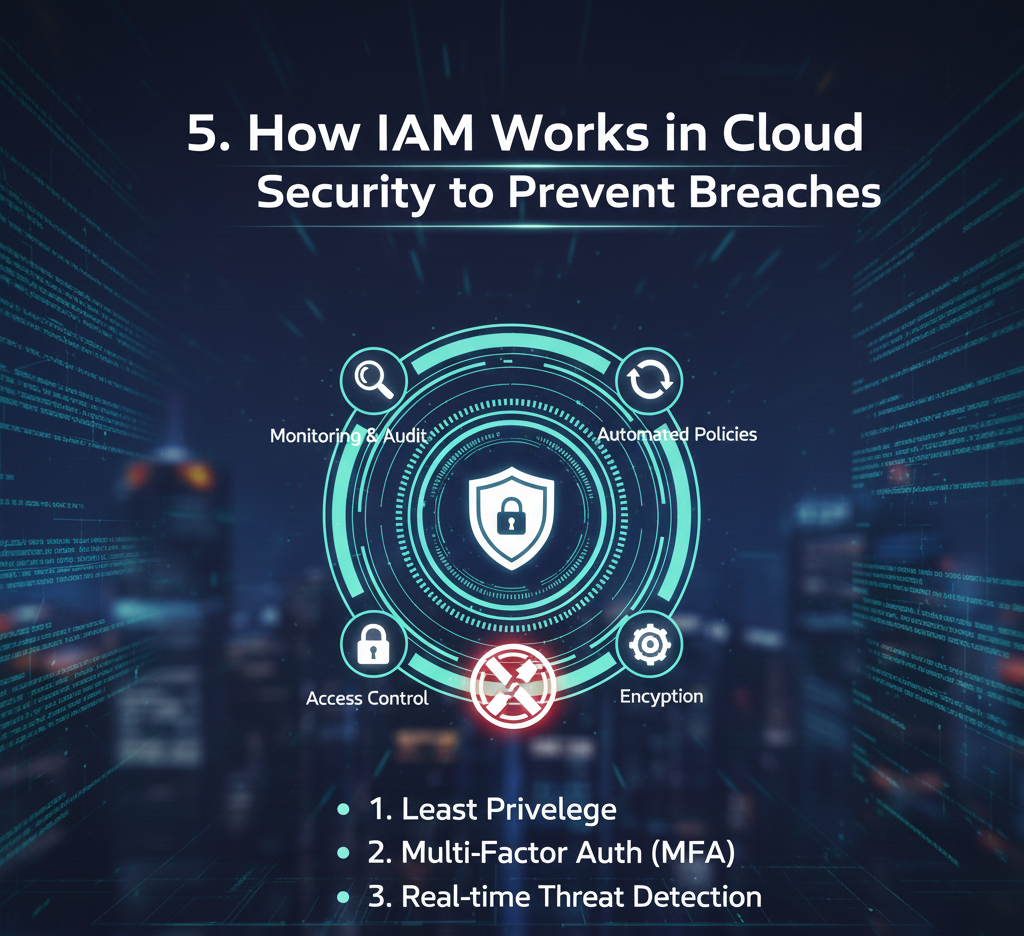
In modern cloud environments, traditional network perimeters no longer exist. Users access applications from anywhere, workloads move dynamically, and attackers increasingly target stolen credentials rather than infrastructure vulnerabilities. This is where Identity and Access Management (IAM) becomes the foundation of cloud security.
Understanding how IAM works in cloud security to prevent breaches is essential for organizations adopting cloud platforms, remote work, and zero-trust architectures. IAM does not simply authenticate users—it continuously evaluates risk, enforces access policies, and limits damage even when credentials are compromised.
5.1 IAM as the “Gatekeeper” Against Credential Attacks
Most cloud breaches today start with compromised credentials, not software flaws. IAM acts as a digital gatekeeper by verifying identity, monitoring behavior, and stopping suspicious access before damage occurs.
Multi-Factor Authentication as the First Line of Defense
One of the most effective ways how IAM works in cloud security with multi-factor authentication is by requiring more than just a password. IAM enforces MFA using factors such as:
Mobile push notifications
Hardware security keys
Biometrics or one-time passcodes
Even if an attacker steals a password, MFA prevents access unless the second factor is also compromised. This single control can stop the majority of account takeover attempts.
Detecting Impossible Travel and Risky Behavior
IAM platforms continuously analyze login context, including location, device, and timing. If a user logs in from India and minutes later attempts access from Europe, IAM flags this as impossible travel.
In such cases, IAM can:
Block the session
Trigger step-up authentication
Lock the account temporarily
Alert security teams automatically
This real-time risk analysis demonstrates how IAM works in cloud security to prevent breaches before attackers gain persistence.
Replacing Static Credentials with Short-Lived Access
Traditional static credentials and long-lived access keys are a major security risk. Modern IAM replaces them with:
Short-lived tokens
Temporary role-based access
Just-in-time permissions
By limiting credential lifespan, IAM reduces the attack window dramatically. Even if a token is stolen, it expires quickly and cannot be reused for long-term access.
Integration with SIEM and UEBA Tools
IAM does not operate in isolation. It integrates with SIEM (Security Information and Event Management) and UEBA (User and Entity Behavior Analytics) platforms to provide deeper visibility.
IAM logs feed into security monitoring systems, enabling:
Anomaly detection across users and services
Automated incident response workflows
Faster containment of suspicious activity
This integration ensures IAM becomes a central control point in the organization’s broader security ecosystem.
5.2 Least-Privilege Access and Segregation of Duties
Even with strong authentication, breaches can still occur. IAM limits the impact of these incidents through least-privilege access and segregation of duties.
Enforcing Least-Privilege Access
One of the core principles of how IAM works in cloud security with least-privilege access is ensuring that users and services receive only the permissions they need—nothing more.
Instead of broad, permanent access:
Developers get limited access to development resources
Applications receive narrowly scoped service roles
Administrative privileges are time-bound and audited
This approach prevents attackers from moving laterally across systems if a single account is compromised. Reduced permissions mean reduced blast radius.
Segregation of Duties to Prevent Abuse
Segregation of Duties (SoD) is critical for both security and compliance. IAM enforces SoD by separating sensitive actions across different roles.
For example:
One role creates user accounts
Another role approves access changes
A separate role manages firewall or payment approvals
No single identity can perform all high-risk actions. This protects against insider threats and reduces the risk of accidental or malicious misuse of privileges.
Periodic Access Reviews and Continuous Cleanup
Over time, users accumulate permissions they no longer need. IAM solves this through periodic access reviews.
Using IAM logs and usage data, organizations can:
Identify unused or excessive permissions
Flag risky access patterns
Automatically revoke unnecessary rights
This process demonstrates how IAM works in cloud security for regulatory compliance, helping organizations meet standards such as ISO 27001, SOC 2, HIPAA, and GDPR.
Why IAM Is Critical for Cloud Breach Prevention
IAM shifts security from static defenses to identity-centric protection. It assumes credentials may be compromised and focuses on:
Verifying identity continuously
Limiting access intelligently
Detecting threats early
Containing incidents automatically
In cloud environments where resources are dynamic and distributed, IAM becomes the primary security control layer.
Final Insight
Understanding how IAM works in cloud security to prevent breaches is no longer optional. With MFA, least-privilege access, behavioral monitoring, and compliance enforcement, IAM reduces both the likelihood and impact of cyberattacks.
Organizations that invest in strong IAM foundations not only improve security but also enhance compliance, operational efficiency, and user trust.
6. IAM in Hybrid and Multi-Cloud Cloud Security
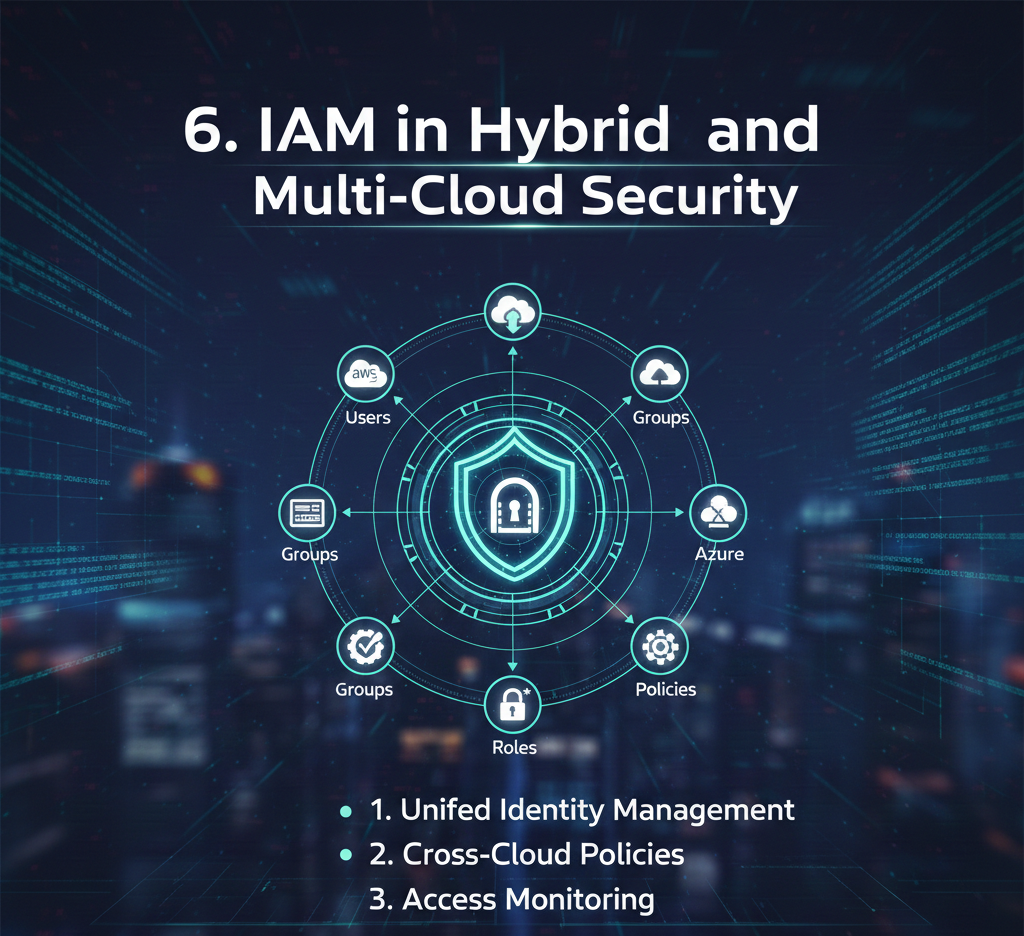
Modern enterprises rarely operate in a single environment. Instead, they run a mix of on-premises infrastructure, public cloud platforms, and SaaS applications. This complexity makes Identity and Access Management (IAM) the most critical security control in cloud security architecture.
In hybrid and multi-cloud environments, identity becomes the common security layer that connects everything—users, applications, and data—across different platforms.
6.1 How IAM Works in Cloud Security for Hybrid Cloud Setups
A hybrid cloud environment combines traditional on-premises infrastructure with public cloud services such as AWS, Microsoft Azure, or Google Cloud. Despite rapid cloud adoption, many enterprises still keep critical systems—such as ERP, databases, or legacy applications—inside their data centers.
Why Hybrid Cloud Still Exists
Organizations choose hybrid cloud models for several reasons:
Regulatory and data residency requirements that mandate on-premises storage
Legacy applications that are difficult or expensive to migrate
Gradual cloud modernization rather than disruptive “lift-and-shift” moves
Business continuity strategies, where on-premises systems act as primary or backup environments
In this setup, IAM must operate across both worlds without creating security gaps.
Unified Identity in Hybrid Cloud Security
Modern identity providers such as Microsoft Entra ID (Azure AD), Okta, and Ping Identity act as a central identity plane. They unify:
On-premises Active Directory
Public cloud IAM services (AWS, Azure, GCP)
SaaS applications
Instead of managing identities separately in each environment, organizations manage users, roles, and access policies in one centralized IAM platform.
Typical Hybrid IAM Authentication Flow
A simplified hybrid cloud access flow works like this:
User authenticates once using a centralized identity provider
IAM validates identity using credentials, MFA, and risk signals
IAM issues secure authentication tokens
User accesses:
On-premises applications via secure gateways or reverse proxies
Cloud applications and infrastructure directly through federation
Access decisions follow centralized policies, regardless of where the application is hosted
This model ensures a consistent user experience while maintaining strict security controls.
Why This Matters for Security
Understanding how IAM works in cloud security for hybrid cloud setups is critical because:
It eliminates duplicate credentials
It reduces attack surfaces caused by fragmented identity systems
It enables consistent enforcement of Zero Trust policies
It simplifies audits and compliance reporting
IAM becomes the single authority for access, even when infrastructure is split across locations.
6.2 Cloud IAM Multi-Cloud Security Patterns
While hybrid cloud connects on-prem and cloud, multi-cloud environments introduce another layer of complexity. Enterprises may use AWS for infrastructure, Azure for collaboration, and Google Cloud for analytics—each with its own IAM model.
Challenges in Multi-Cloud IAM
Multi-cloud security introduces several challenges:
Different IAM frameworks across cloud providers
Duplicate roles and permissions for the same users
Inconsistent access policies and naming conventions
Fragmented audit logs and monitoring
Increased risk of over-privileged accounts
Without a unified approach, identity management quickly becomes unmanageable.
Unified IAM Layer for Multi-Cloud Security
To solve these challenges, enterprises deploy a centralized IAM platform that federates identities into each cloud provider.
In this model:
Users authenticate once with the central identity provider
IAM issues trust tokens to AWS, Azure, and GCP
Users assume predefined roles within each cloud environment
Cloud-native IAM handles local authorization, while identity remains centralized
This approach ensures consistent identity governance without sacrificing cloud-native capabilities.
Benefits of Centralized IAM in Multi-Cloud Environments
A unified IAM strategy enables:
Consistent access policies across all cloud platforms
Centralized logging and monitoring for security teams
Simplified access reviews and role certifications
Faster onboarding and offboarding of users
Reduced risk of configuration drift
In enterprise environments, this approach defines how IAM works in cloud security for enterprises, especially in multi-cloud contexts.
Security and Compliance Advantages
With centralized IAM:
Security teams gain a single source of truth for access
Compliance audits become faster and more reliable
Zero Trust principles are enforced consistently
Incident response improves due to unified visibility
IAM acts as a control plane for cloud security, rather than just an authentication system.
Final Insight: Identity Is the Anchor of Cloud Security
Hybrid and multi-cloud environments are now the norm, not the exception. In these complex architectures, network boundaries fade, but identity remains constant.
By centralizing identity with modern IAM platforms, organizations gain:
Stronger security
Better compliance alignment
Simplified operations
Scalable access control across environments
Understanding how IAM works in hybrid and multi-cloud security is no longer optional—it is essential for any organization operating at enterprise scale.
7. How IAM Works in Cloud Security for Small Business IT Teams
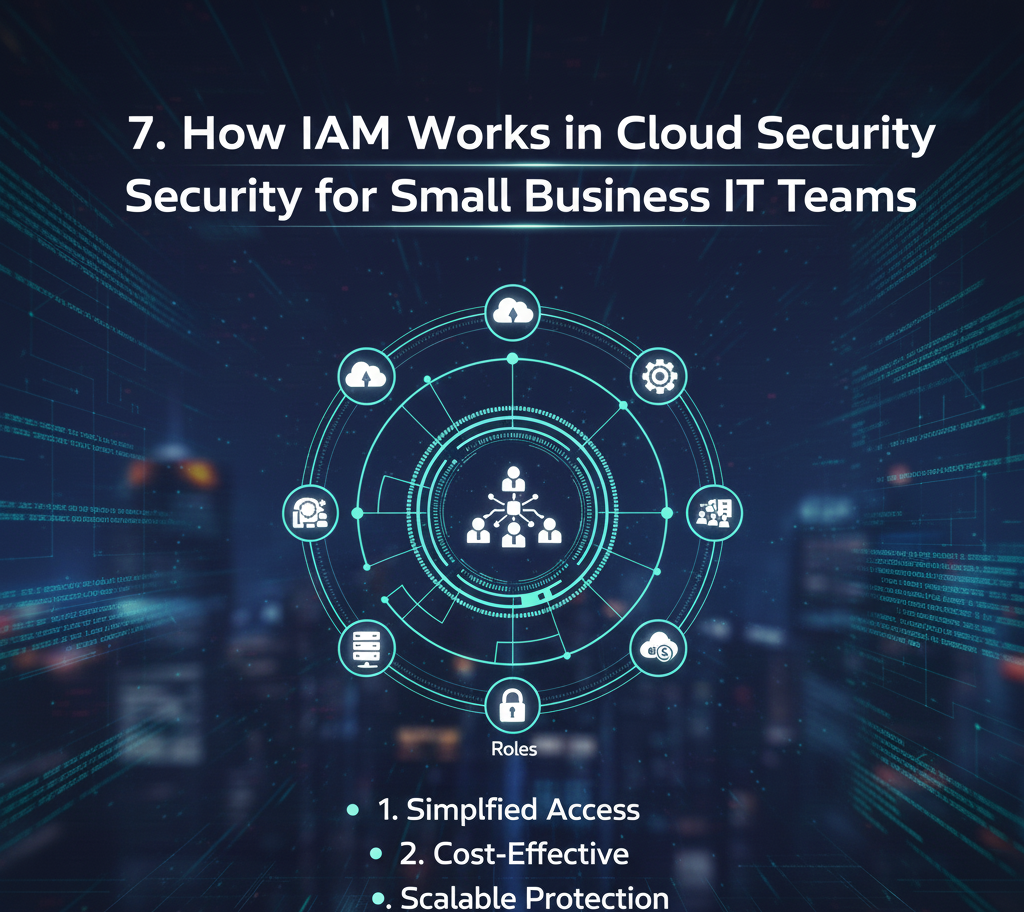
For small businesses, cybersecurity often feels overwhelming. Limited budgets, lean IT teams, and growing cloud adoption create a challenging environment where security must be strong—but also simple. This is exactly where Identity and Access Management (IAM) plays a critical role.
IAM helps small business IT teams control who can access what, from where, and under which conditions, without requiring enterprise-level complexity. When implemented correctly, IAM becomes the foundation of cloud security for SMBs.
7.1 Simplified IAM Patterns for SMBs
The Reality of Small Business Cloud Environments
Most small businesses do not operate complex hybrid or multi-cloud architectures. A typical SMB setup looks like this:
20 to 100 employees
5 to 15 SaaS applications (email, CRM, accounting, project tools)
Google Workspace or Microsoft 365 for email and collaboration
Light usage of AWS or Azure (file storage, hosting a website, or one internal app)
One or two IT administrators handling everything
In this environment, IAM does not need to be complicated to be effective.
A Simple and Effective IAM Stack for SMBs
The most practical approach is to use Google Workspace or Microsoft 365 as the central identity provider. These platforms already manage user accounts, passwords, and basic security controls. IAM builds on top of this foundation.
Here’s how how IAM works in cloud security for small business IT teams in a real-world scenario:
Employees log in using their Google or Microsoft account
Single Sign-On (SSO) connects that identity to SaaS tools like Slack, Zoom, CRM, and accounting software
Multi-Factor Authentication (MFA) adds an extra layer of protection
Basic role-based access ensures employees only see what they need
This approach dramatically reduces risk without adding administrative burden.
Realistic SMB Example
Imagine a 40-person digital services company:
Google Workspace is used for email and documents
Employees use Slack, Trello, HubSpot, and a cloud accounting tool
AWS hosts the company website and one internal dashboard
With IAM in place:
Google Workspace acts as the single identity source
SSO allows users to access all tools with one login
MFA is enforced for every account
Admin access is limited to only a few trusted users
Even if a password is compromised, attackers cannot access systems without the second authentication factor. This alone prevents the majority of common breaches.
Why IAM Is Especially Powerful for Small Teams
Small IT teams benefit more from IAM than large enterprises because:
Fewer systems mean faster implementation
Standardized roles reduce manual access management
Automated provisioning and deprovisioning save time
Security improves without hiring additional staff
IAM enables small businesses to apply enterprise-grade security principles—but in a lightweight, manageable way.
7.2 Quick-Start IAM Blueprint for SMBs
Small businesses do not need a long, complex IAM roadmap. A clear, step-by-step blueprint is enough to achieve strong cloud security quickly.
Below is a practical approach designed specifically for SMB IT teams.
Step 1: Choose a Single Source of Identity
Make Google Workspace or Microsoft 365 the authoritative identity system. Every employee, contractor, and admin account should be created and managed here.
Benefits:
Centralized user lifecycle management
One place to disable accounts when employees leave
Fewer identity silos
This step lays the foundation for how identity and access management works in cloud environments.
Step 2: Enable MFA for All Accounts
Multi-Factor Authentication is the single most effective security control for SMBs.
Best practices:
Enforce MFA for everyone, including admins
Use app-based authenticators instead of SMS where possible
Require MFA for remote and mobile access
This step alone explains how IAM works in cloud security to prevent breaches, as it blocks most phishing and credential theft attacks.
Step 3: Turn On SSO for Core SaaS Applications
Enable Single Sign-On for your most important tools:
Email and collaboration
CRM and finance systems
Project management and HR platforms
SSO improves:
Security (fewer passwords to steal)
Productivity (less login friction)
IT efficiency (fewer password reset requests)
Employees sign in once and gain access to everything they are authorized to use.
Step 4: Define Simple Role-Based Access
SMBs do not need complex role hierarchies. Start with 3 to 5 basic roles, such as:
Administrator
Manager
Staff
Contractor
Finance or HR (if needed)
Each role gets access only to the tools required for that function. This limits damage if an account is compromised and supports the principle of least privilege.
Step 5: Review Access Quarterly
Set a simple quarterly process:
Review active user accounts
Remove access for departed employees
Reduce permissions that are no longer required
This prevents access sprawl and keeps IAM aligned with business changes, without heavy governance overhead.
Why This Approach Works for Small Businesses
This simplified IAM model works because it:
Uses tools SMBs already pay for
Requires minimal configuration
Reduces breach risk dramatically
Scales naturally as the business grows
Most importantly, it respects the reality of small business IT: limited time, limited budget, and no room for unnecessary complexity.
Final Insight for SMB IT Teams
IAM is not just for large enterprises. When implemented with the right mindset, it becomes the most cost-effective security investment a small business can make.
By centralizing identity, enforcing MFA, using SSO, and applying basic role-based access, small IT teams can secure cloud environments without slowing down the business.
Identity becomes the control point.
Access becomes intentional.
Security becomes manageable.
8. How IAM Works in Cloud Security for Regulatory Compliance
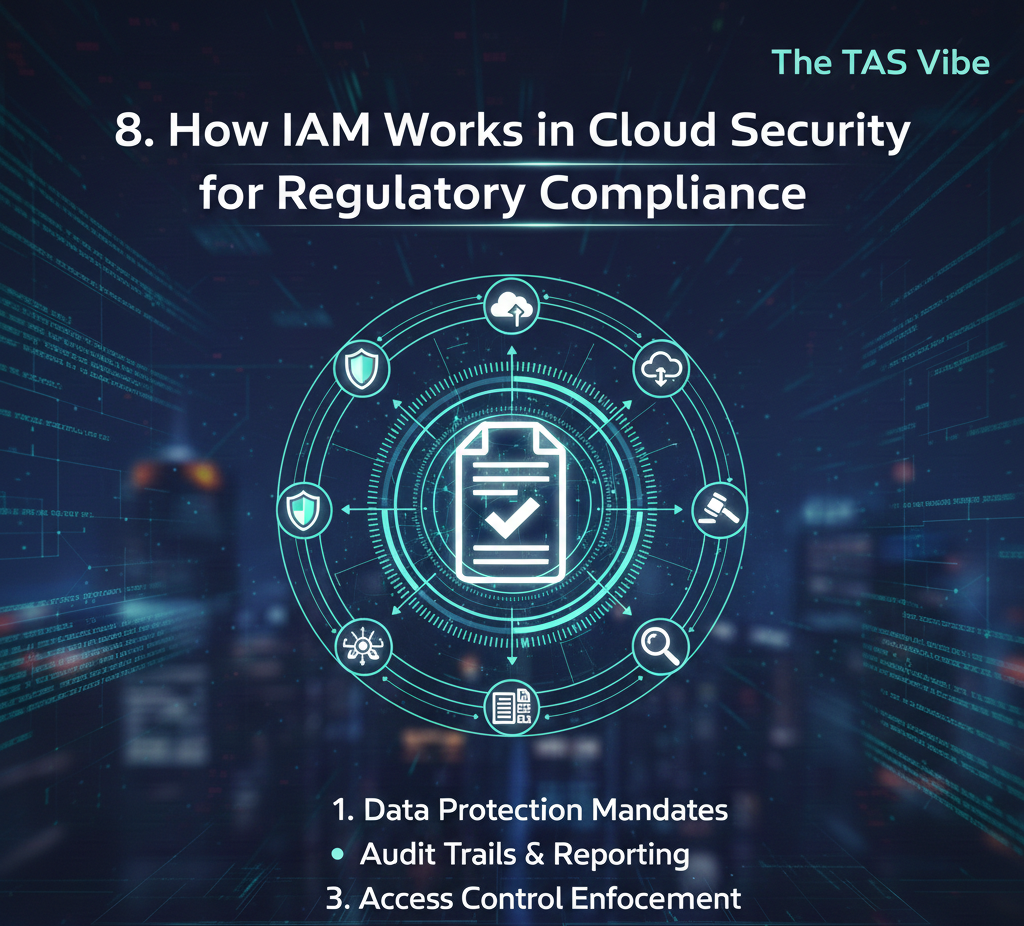
Regulatory compliance is one of the strongest drivers behind Identity & Access Management (IAM) adoption in cloud environments. As organizations move sensitive workloads to the cloud, regulators increasingly focus on who can access data, how access is controlled, and how activity is monitored.
Understanding how IAM works in cloud security for regulatory compliance helps organizations meet legal obligations while simultaneously strengthening security and reducing breach risk.
8.1 Mapping IAM Controls to Common Regulations
At its core, IAM enforces identity verification, access control, and accountability—the same principles that underpin most global regulations. Cloud IAM platforms make these controls measurable, auditable, and enforceable at scale.
Below is how common IAM features map directly to regulatory requirements.
GDPR: Protecting Personal Data with Access Control
The General Data Protection Regulation (GDPR) requires organizations to limit access to personal data and demonstrate accountability.
Cloud IAM supports GDPR by enforcing:
Least-privilege access, ensuring users only access data required for their role
Strong authentication, reducing the risk of unauthorized access
Comprehensive audit logs, recording who accessed personal data and when
During audits, IAM logs and access reports prove that personal data is not broadly exposed and that access is tightly controlled.
HIPAA: Securing Electronic Protected Health Information (ePHI)
HIPAA mandates strict controls over access to healthcare data.
IAM supports HIPAA compliance through:
Unique user identities, eliminating shared accounts
Multi-factor authentication (MFA) for high-risk systems
Detailed access logs for ePHI access and modifications
Auditors rely on IAM-generated access logs to confirm that only authorized personnel accessed patient data.
SOX: Enforcing Segregation of Duties
The Sarbanes-Oxley Act (SOX) focuses on financial integrity and internal controls.
Cloud IAM enables SOX compliance by:
Defining role-based access control (RBAC)
Preventing conflicts through segregation of duties
Supporting documented access reviews and certifications
Access review reports generated by IAM systems become key audit evidence during financial controls assessments.
PCI DSS: Protecting Cardholder Data
Payment Card Industry Data Security Standard (PCI DSS) requires strict identity controls around payment systems.
IAM supports PCI DSS by:
Enforcing strong authentication mechanisms
Restricting access to cardholder data environments
Maintaining continuous monitoring and access logs
Cloud IAM ensures only authorized users can access sensitive payment data, reducing the risk of fraud and breaches.
DORA and NIS2: Strengthening Digital Resilience in the EU
European regulations such as DORA and NIS2 emphasize operational resilience and cybersecurity governance.
IAM supports these regulations by providing:
Identity governance and lifecycle management
Real-time monitoring and anomaly detection
Incident visibility and reporting capabilities
IAM data feeds security operations and compliance reporting systems, supporting timely regulatory notifications.
IAM as Audit Evidence
One of the biggest advantages of cloud IAM is that compliance evidence is generated automatically. Access logs, role assignments, MFA enforcement records, and access review certifications can be exported directly during audits—reducing manual effort and audit stress.
8.2 Compliance Use Cases: What Auditors Look For
Auditors rarely ask technical questions. Instead, they focus on proof of control. Cloud IAM provides clear answers to the most common audit questions.
“Can You Show Who Has Access to Production Databases?”
IAM answers this through:
A centralized user directory
Clearly defined roles and permissions
Up-to-date access review reports
Auditors can instantly see who has access, why they have it, and when it was last approved.
“How Do You Ensure Only Authorized Users Access Customer Data?”
This is where how IAM works in cloud security with least-privilege access becomes critical.
IAM enforces:
Role-based or attribute-based access controls
Conditional access policies based on risk
Automatic access removal when roles change
These controls ensure access is limited, justified, and continuously reviewed.
“How Do You Detect and Respond to Suspicious Logins?”
To demonstrate how IAM works in cloud security to prevent breaches, organizations rely on:
MFA enforcement logs
Risk-based authentication decisions
Login anomaly detection (new locations, devices, or behaviors)
Integration with SIEM and security operations tools
IAM provides both detection and response, allowing organizations to block threats before damage occurs.
Final Insight: Compliance and Security Work Together
Cloud IAM bridges the gap between security best practices and regulatory compliance. Instead of treating compliance as a separate effort, organizations use IAM controls to meet legal requirements while improving their overall security posture.
By understanding how IAM works in cloud security for regulatory compliance, businesses gain:
Reduced audit risk
Stronger protection of sensitive data
Faster, more confident compliance reporting
Improved trust with regulators and customers
In modern cloud environments, IAM is no longer just a technical control—it is the foundation of compliant, secure, and resilient digital operations.
9. Conclusion: Turning IAM from a Control into a Competitive Advantage
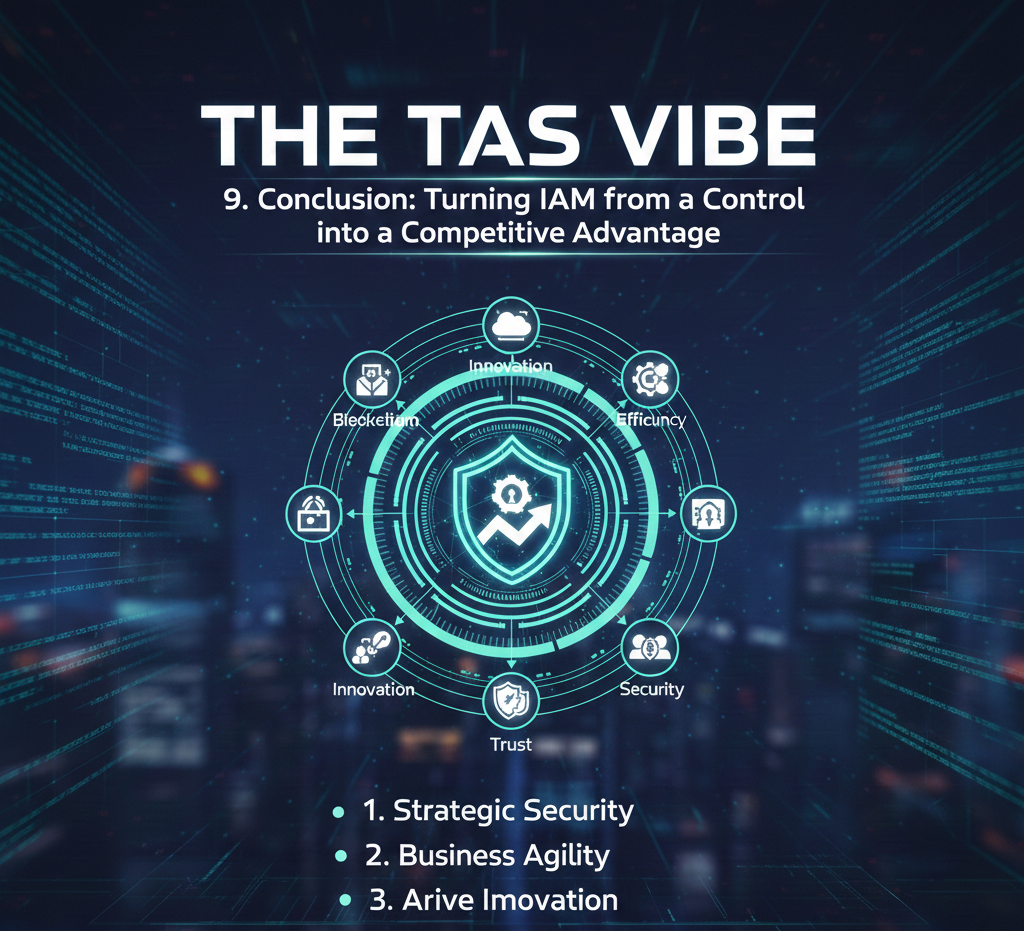
In today’s cloud-driven digital landscape, Identity and Access Management is no longer just a technical safeguard—it is a strategic business capability. Organizations that truly understand how IAM works in cloud security for enterprises, SMBs, hybrid environments, and multi-cloud architectures are far better positioned to achieve long-term cyber-resilience.
Modern threats target identities first. Whether it is credential theft, privilege abuse, or unauthorized access through cloud misconfigurations, identity has become the primary attack surface. This is why IAM now sits at the center of every effective cloud security strategy.
When organizations take the time to explain how IAM works in cloud security step by step, the value becomes clear. IAM defines who can access what, under which conditions, and for how long. It enforces trust dynamically rather than assuming it, aligning perfectly with zero-trust security principles.
How Well-Implemented IAM Creates Real Business Value
A thoughtfully designed IAM program delivers measurable benefits that extend beyond security teams and into the entire organization.
1. Reduced Breach Risk Through Strong Authentication and Least Privilege
Multi-Factor Authentication (MFA), role-based access control, and least-privilege enforcement significantly reduce the likelihood of unauthorized access. Even if credentials are compromised, adaptive IAM controls limit attacker movement and prevent full-scale breaches.
2. Simplified Compliance and Audit Readiness
Cloud IAM platforms provide centralized logging, automated access reviews, and detailed audit trails. This makes regulatory compliance easier to maintain and demonstrate, especially for industries subject to strict standards such as healthcare, finance, and government. Instead of reacting to audits, organizations remain continuously compliant.
3. Improved User Experience Without Sacrificing Security
Single Sign-On (SSO) and consistent access policies eliminate password fatigue and reduce login friction. Employees, partners, and customers gain seamless access to approved applications, while security teams maintain full visibility and control. This balance between usability and protection directly impacts productivity and adoption.
IAM as a Competitive Advantage, Not a Constraint
Organizations that treat IAM purely as a control mechanism often underinvest in design, governance, and optimization. In contrast, companies that view IAM as a competitive advantage use identity to enable secure innovation, faster cloud adoption, and confident digital expansion.
Whether supporting remote work, launching new cloud applications, or integrating third-party partners, modern IAM allows businesses to move quickly without increasing risk. Security becomes an enabler rather than a blocker.
How to Use This Guide Moving Forward
This framework can serve as more than just a reference article. Readers can use it as the foundation for:
A long-form blog series on cloud IAM best practices
A downloadable guide explaining IAM strategy for 2026 and beyond
A mini-course or training series covering IAM fundamentals, implementation, and emerging trends
Each format helps educate stakeholders, build authority, and drive informed decision-making around cloud security.
Final Thought
Understanding how IAM works in cloud security for enterprises and clearly being able to explain how IAM works in cloud security step by step is no longer optional. Identity is now the front line of defense in the cloud era.
Organizations that invest in modern IAM—combining strong authentication, intelligent access control, and seamless user experience—transform identity from a technical necessity into a strategic asset. That transformation is what separates reactive security from true cyber-resilience.
👉 Follow and subscribe to stay updated on the latest cloud IAM trends, security strategies, and practical guidance designed for modern businesses in 2026 and beyond.
Connect
Stay updated with us
Follow
Reach
+91 7044641537
© 2025. All rights reserved.