
How to Humanize AI Text Manually for Free (2026 Guide)
Learn how to humanize ai text manually for free with simple edits, personal voice tricks, and ethical tips to make AI writing sound natural and truly human.
HOW TO HUMANIZE AI TEXT MANUALLY FOR FREE (7 STEPS)
Agni- The TAS Vibe
2/3/20266 min read


How to Humanize AI Text for Free: A Guide to Not Sounding Like a Corporate Toaster
I’ll be real with you: last year, I almost nuked my entire career because I was lazy.
I was drowning in three high-priority blog posts and decided to let a certain green-branded AI do the "heavy lifting" for a 2,000-word piece on supply chain logistics. I didn't just copy-paste—I’m not a total amateur—but I didn't fix it. When my editor sent it back, she didn't leave comments. She just sent a one-line email: "Did you actually write this, or did your microwave do it for you?"
That hurt. Honestly, it stung more than a bad performance review. The problem wasn’t the info; it was the "vibe." It was too perfect. Too rhythmic. It had the emotional range of a damp sponge. Since that day, I’ve spent hundreds of hours figuring out how to humanize AI text manually for free, mostly because those "undetectable" paid tools are usually just overpriced synonym-swappers that break your grammar and empty your wallet.
If you want your writing to pass a vibe check (and a Turnitin report), stop looking for a "magic button." Start acting like an editor with a grudge.
This mind map gives you a quick overview of the concepts covered below.
Manual Mastery: The 7-Step Surgery to Humanize AI Text Without Spending a Dime
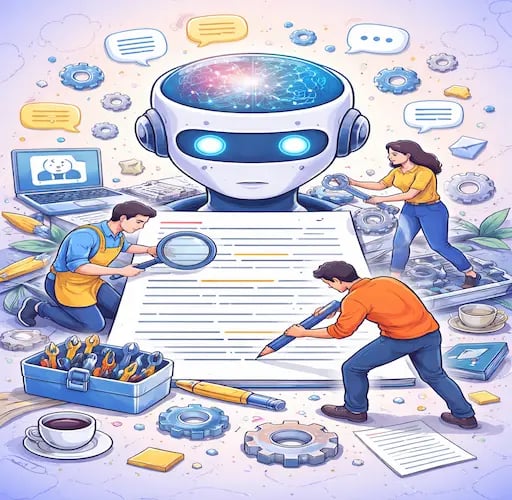
The internet is currently drowning in "AI Humanizer" tools that charge $20 a month basically to click "shuffle" on your sentences. It's a scam. The real reason AI sounds like a robot isn't the words—it’s the math. AI is predictable. It uses the most likely next word, every single time. It lacks "burstiness" (sentence variety) and "perplexity" (surprising details).
To learn how to humanize ai text manually for free, you have to break the machine’s internal metronome. Use this "surgery" checklist:
The "Loud" Test: Read your draft out loud. If you run out of breath before the period, the sentence is too long. If you feel like you're reading a washing machine manual, it’s too stiff. Fix: Kill the fluff.
Sentence Length Jabs: AI loves medium-length sentences. Break them. Follow a 25-word explanation with a 4-word punch. Like this.
Inject "Verbal Stutters": Look, humans don't always get to the point. We use "filler" like "Honestly," "I mean," or "Here’s the thing." Machines don't.
Fragment for Effect: Use a sentence fragment. For flavor. Or emphasis.
Specificity Over Vague-ness: AI says "a fruit." You say "a bruised Granny Smith apple."
Kill the Connectors: If I see one more "Furthermore" or "Additionally," I’m going to scream. Use "Plus." Or "Also." Or nothing at all.
Ask, Don't Just Tell: Why should the reader care? End a section with a question to pull them back in. Does that make sense?
The Student’s Guide: How to Edit AI Drafts to Pass Turnitin Requirements


The panic of a Turnitin "AI %" flag is a special kind of hell. But here’s the secret: Turnitin isn't a "truth detector." It’s a pattern matcher. If you’re wondering how to make ai writing pass turnitin for free, the answer isn't a "bypasser" tool—it's restructuring the logic.
Most students fall into the trap of letting AI write the outline and then just swapping words. Turnitin catches the skeleton. To beat it, you need the Reverse Outline Method.
Step 1: Let the AI dump its ideas.
Step 2: Copy the points into a separate doc, but change the order. Move Point 3 to the top. Delete Point 2 because it's probably boring.
Step 3: Write the transitions yourself.
If the AI gives you a perfect 5-paragraph essay, break it. Merge two paragraphs. Add a personal anecdote about a lab experiment that actually went wrong—like the time I accidentally dyed my left hand neon pink in Chem 101. Turnitin can't flag your specific memories because they aren't in its training data.
Beyond "Write Like a Human": Advanced Prompts for Invisible Content


Stop using the prompt "Make this sound human." It’s a waste of electricity. Instead, use these best prompts for making ai text sound human for free:
The "Cynical Expert": "Rewrite this as a tired industry veteran who is sick of corporate fluff. Use short sentences, contractions, and zero buzzwords like 'synergy' or 'landscape'."
The "Fireside Chat": "Explain this to me like we’re at a bar and you’ve had exactly one beer. You’re smart, but you’re keeping it casual."
The "Opinionated": "Take a strong stance. Instead of being 'balanced,' argue why this whole topic is actually a bit of a disaster."
These prompts force the AI out of its "safe" statistical middle ground, which is exactly how to remove ai fingerprints from text for free before you even start the manual edit.
Voice Injection: How to Blend Your Life into AI Drafts


The biggest giveaway of AI is that it has no "skin in the game." It has never felt the sun on its face or the sting of a papercut. To figure out how to add personal voice to ai writing for free, you need the "Personal Pivot."
Every time the AI makes a generic claim, pivot to a personal story.
AI Claim: "Remote work can be isolating for many employees."
The Pivot: "The AI says remote work is isolating. It’s right. Last Tuesday, the only 'person' I talked to was my cat, and honestly, he’s a terrible listener."
This blend of high-level AI data and low-level human messiness is the "gold standard" for 2026.
Scrubbing the Bot: Deleting the 12 Common Fingerprints
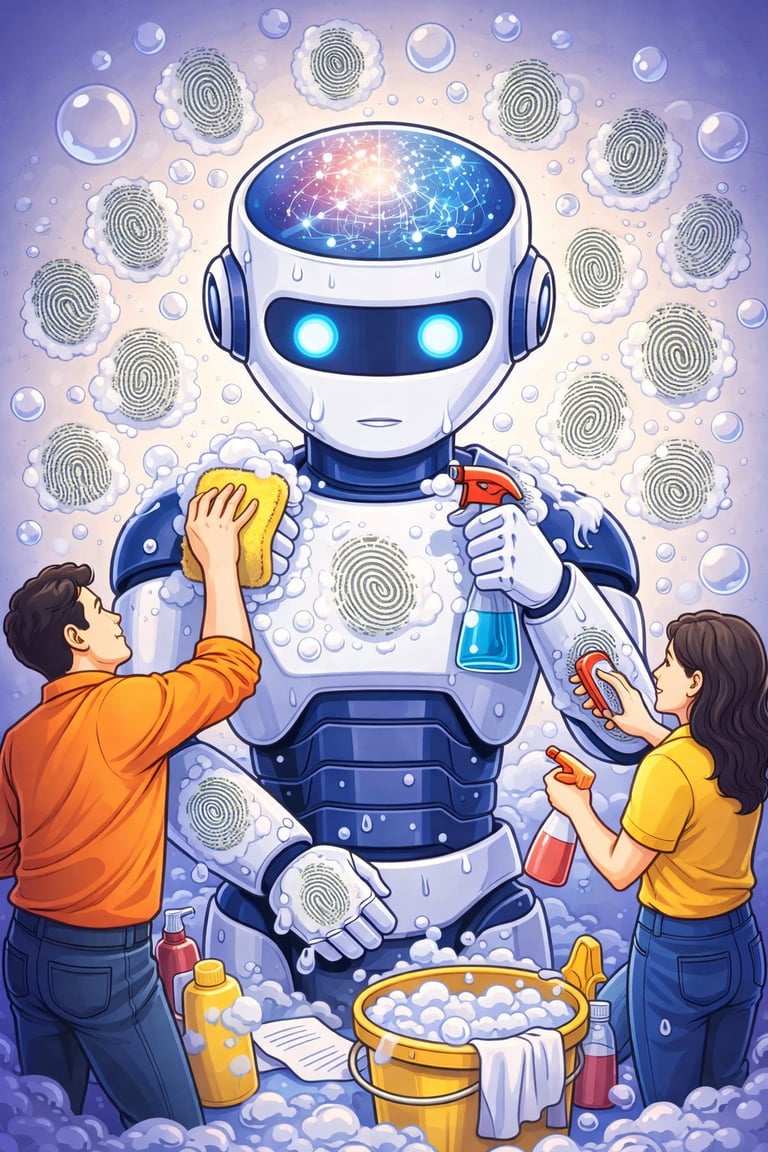
If you see these words, your text is "bot-contaminated." Delete them. Now.
Delve (Nobody says this unless they are exploring a cave).
Tapestry (You aren't a medieval weaver).
Unlock (You don't have a key).
In the rapidly evolving landscape... (Generic filler).
It’s important to note that... (The AI equivalent of clearing its throat).
Testament to...
Elevate
Comprehensive
Crucial
Bridge the gap
Not only... but also (The AI loves this structure more than its own mother).
Moreover/Furthermore (Just say "Plus").
Conclusion
Look, humanizing AI isn't about "tricking" an algorithm. It’s about respecting the person on the other side of the screen. If you wouldn't say it to a friend over a cold soda, don't publish it. AI is a great sous-chef, but you are the head cook. Keep the recipes, but add your own salt.
Key Takeaways:
Vary sentence length to create "burstiness."
Kill the "Banned 12" AI words immediately.
Use the "Personal Pivot" to add lived experience.
Ethical AI use means the bot does the research, but you do the talking.
Ethical AI Disclaimer: This guide is for educational use. Don't be a cheat. Check your school's AI rules before hitting 'Submit.' Copyright Notice: © 2026 AI-Research Analyst & Blog. All rights reserved.
Flash Card about the topic
Quize
Frequently asked questions
Is there a free tool that humanizes AI text perfectly?
No. Most "free" tools just make the grammar weird. Manual editing is the only way to be 100% sure.
Does Turnitin detect AI even after I edit it?
If you restructure the logic and add your own voice, the detection probability drops through the floor.
What is "Perplexity"?
It’s how "surprised" the model is by the next word. High perplexity = more human.
Can Google penalize AI-generated blog posts?
Google hates "low-quality" content. If your post is generic and offers zero new value, it’s going to rank like garbage.
How do I remove hidden Unicode characters?
Copy your text into Notepad (or a Plain Text editor) before pasting it into your final doc.
Why does AI love the word "Delve"?
It's a "safe" word in the academic datasets used to train models. It’s basically a linguistic security blanket for bots.
Is it okay to use AI for an outline?
Yes. Just make sure you're the one filling in the "meat" of the content with actual insights.
Can I use AI to help me find personal stories?
It can suggest types of stories, but you have to be the one who actually lived them for it to sound real.
(P.S. If you're tired of sounding like a robot, you might want to click that 'Follow' button for more human-first writing hacks.)
Subscribe to our Blogging Channel
Connect
Stay updated with us
Follow
Reach
+91 7044641537
Copyright: © 2026 The TAS Vibe. All rights reserved.